Getting started
Make your first brand kit from your website in a minute.
Someones reads your brand from what already exists: your website, your brand book, your design files. You review what it found, fix anything it got wrong, and every file your team makes from then on comes out on brand.
Make your first brand kit
- Sign in, then choose Add brand.
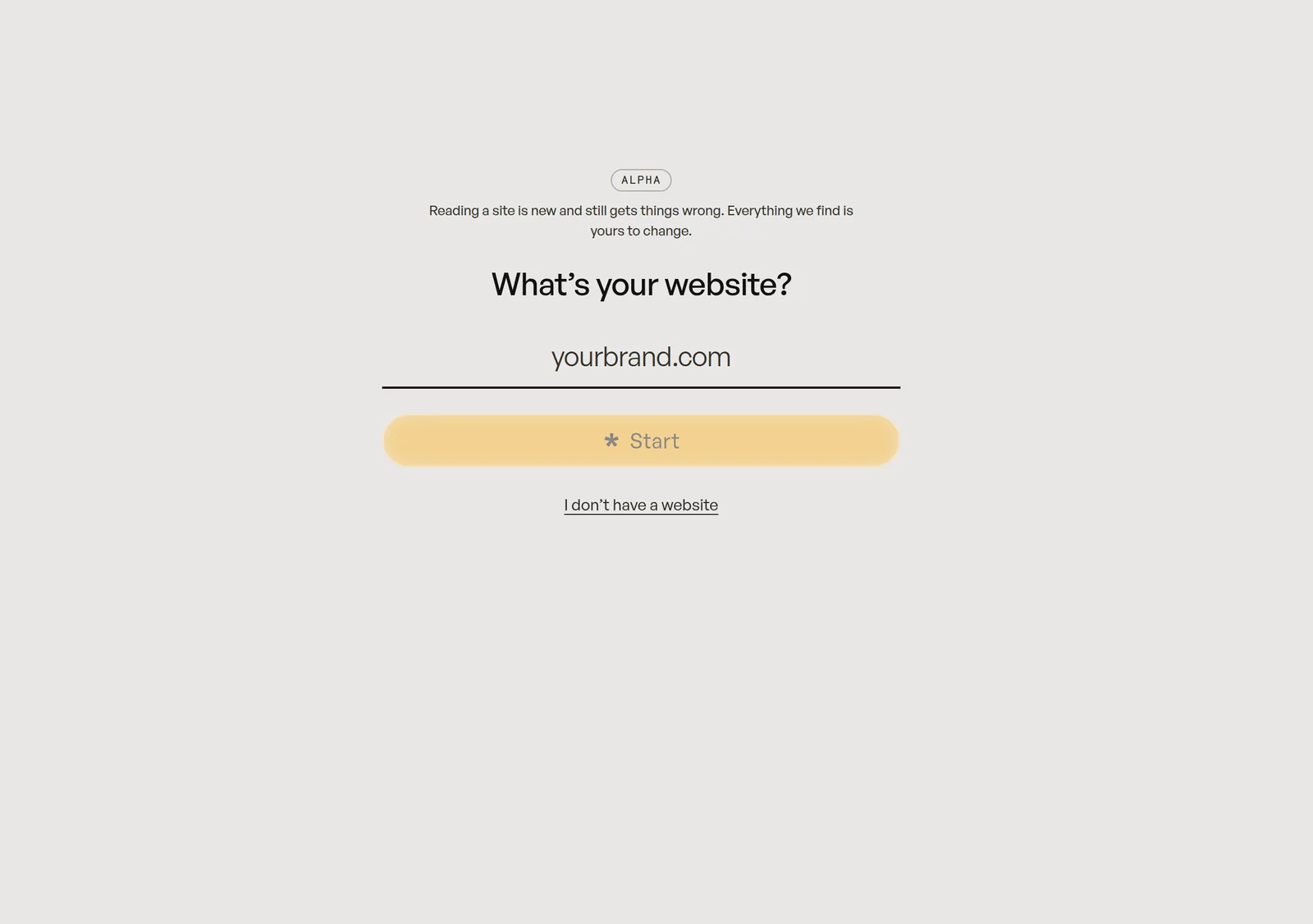
- Type your website's address. Reading starts as soon as you finish typing.
- Drop in anything else you have: a brand book PDF, design tokens, logo files.
- Choose Continue, then check the colors, fonts and logos it found.
- Save. Your kit is ready to use.
If your site can't be read
Some sites block automated visitors. Add your brand book PDF or logo files instead, or fill in the kit by hand.